The Meeting Way in the AI Era
Schedule meetings through the calendar, pre-book personnel and meeting rooms to avoid conflicts. Automatic reminders before the meeting time, so you will not miss important meetings.
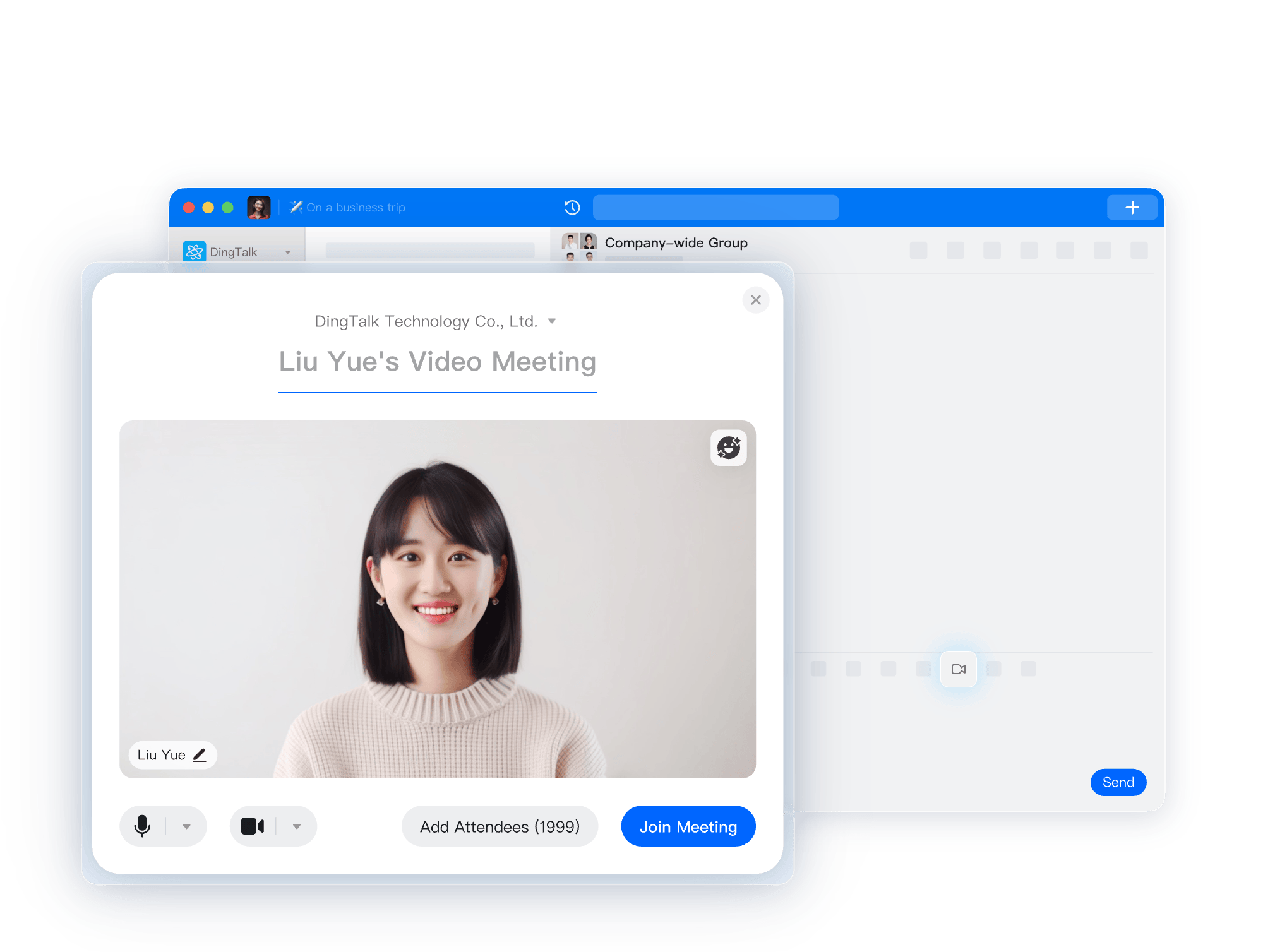
Access DingTalk contacts, quickly call relevant members, and support inviting others to meetings through various methods such as DingTalk invitations, phone invitations, and meeting numbers.
Whether in a single or group chat, you can quickly initiate a video conference from the meeting button in the toolbar.
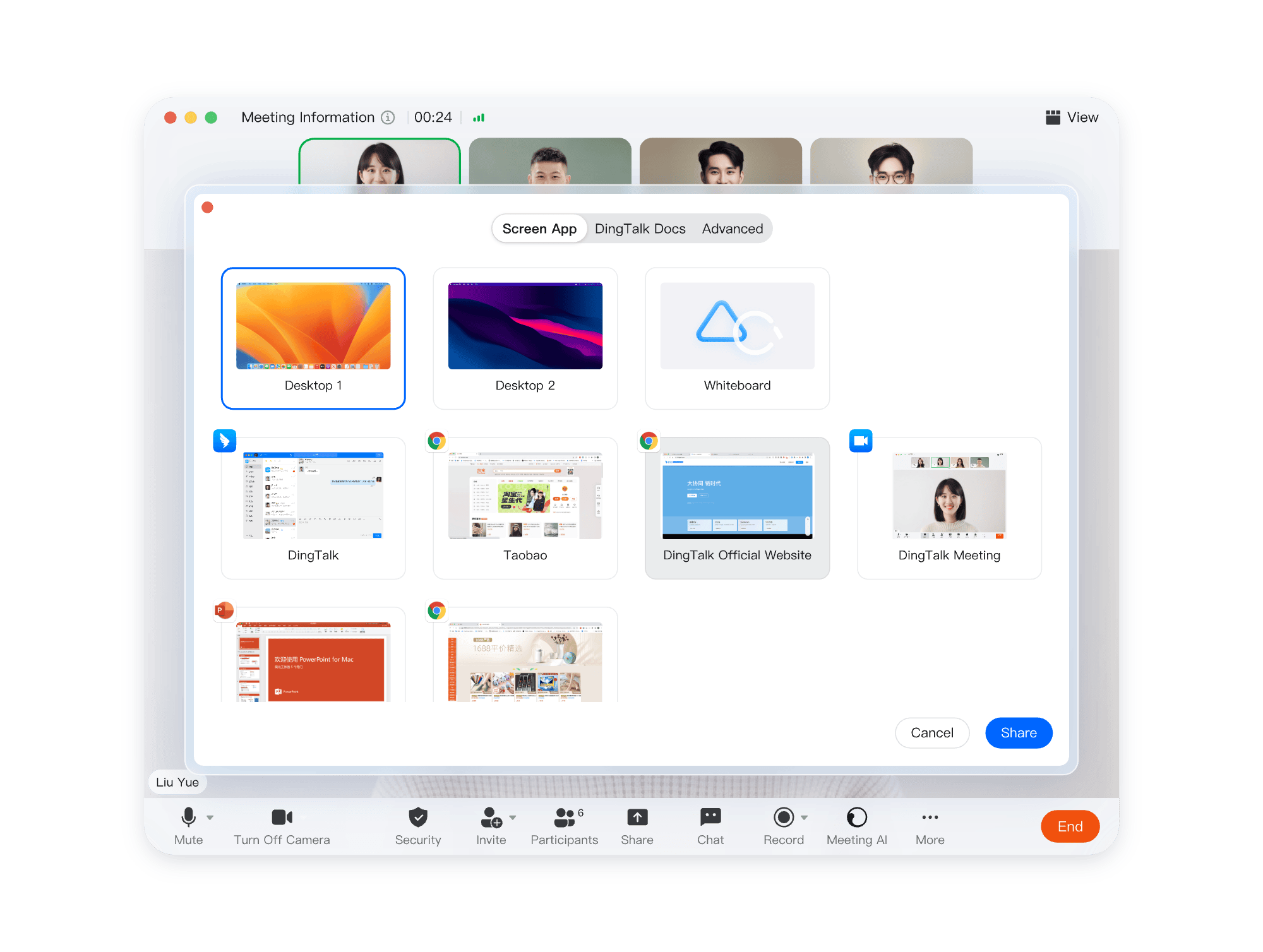
One-click screen sharing, allowing all participants to watch in real time; one-click document sharing, enabling seamless collaborative editing; supports whiteboard sharing to “draw” out ideas.
Use brush, shape, and other tools to annotate during screen sharing. Draw wherever you speak, making expression more comprehensive and precise.
One-click grouping and closed small group discussions, with internal discussions being independent, clear, and more focused, avoiding mutual interference.
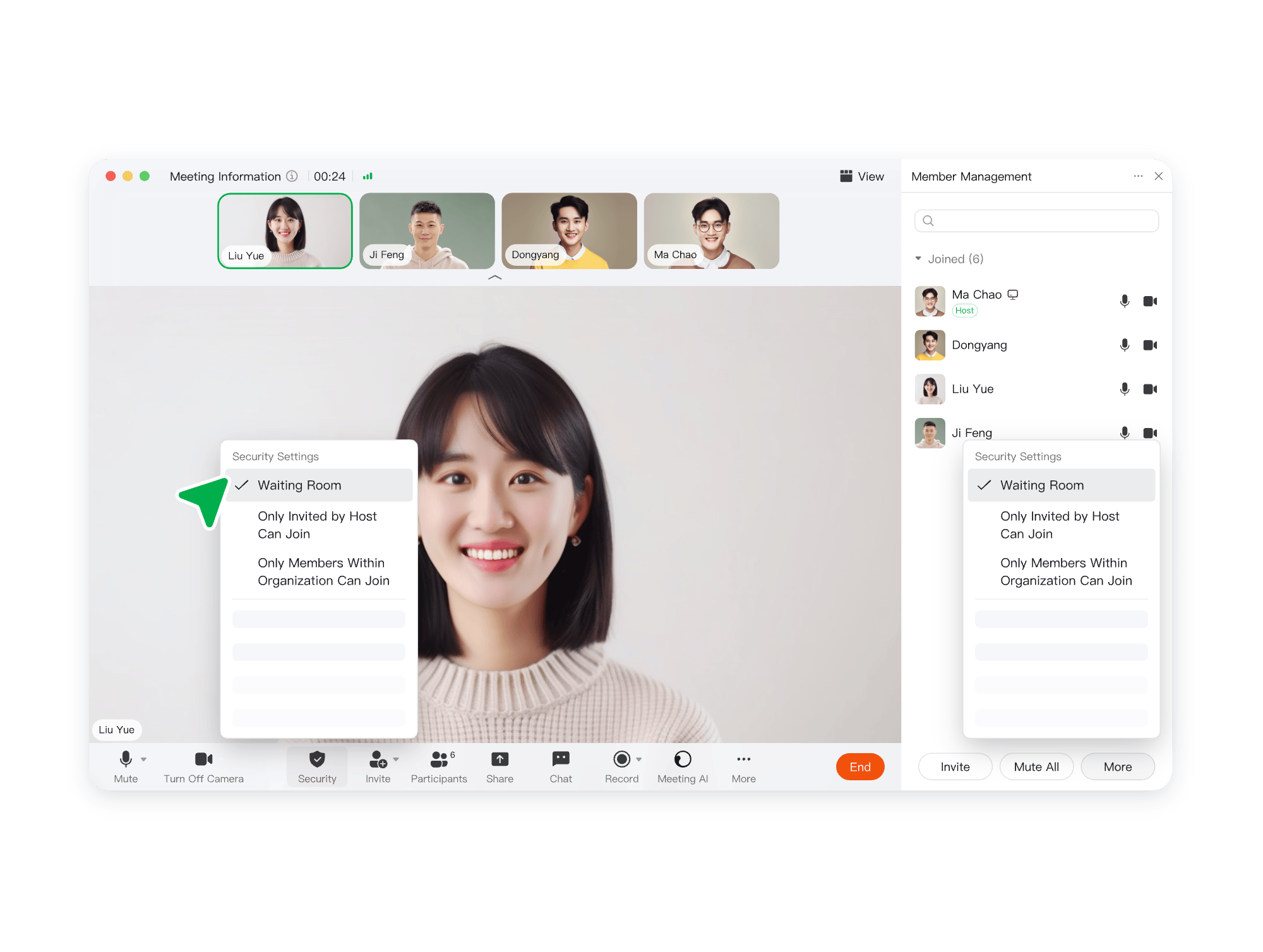
Provide an independent waiting room before joining, where participants must wait for approval to enter, ensuring private discussions and sensitive information security.
Support enabling security watermarks during screen sharing to prevent participants from screenshots or spreading screen content, leaving a traceable trail if leaked.
Support hosts to set designated organizational internal personnel to attend, preventing unrelated personnel from entering the meeting.
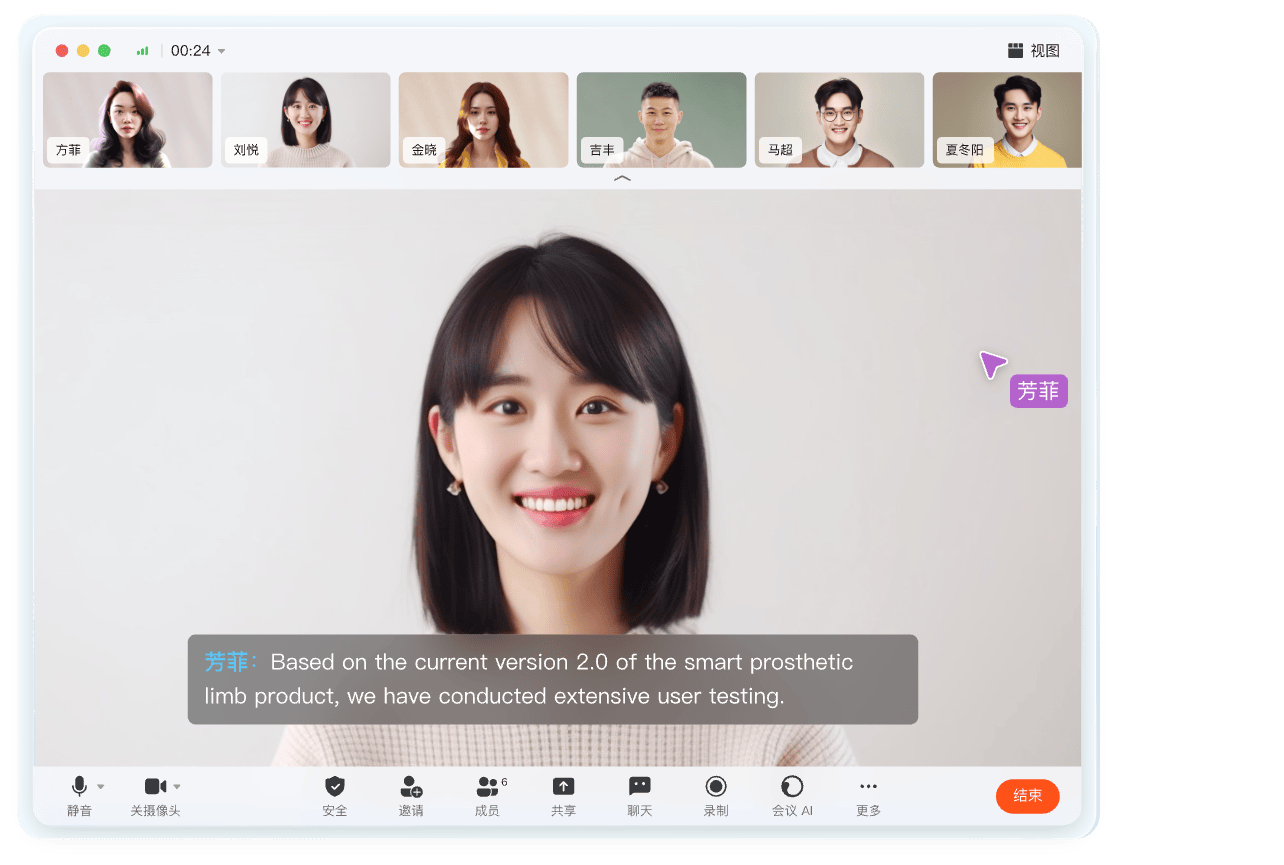
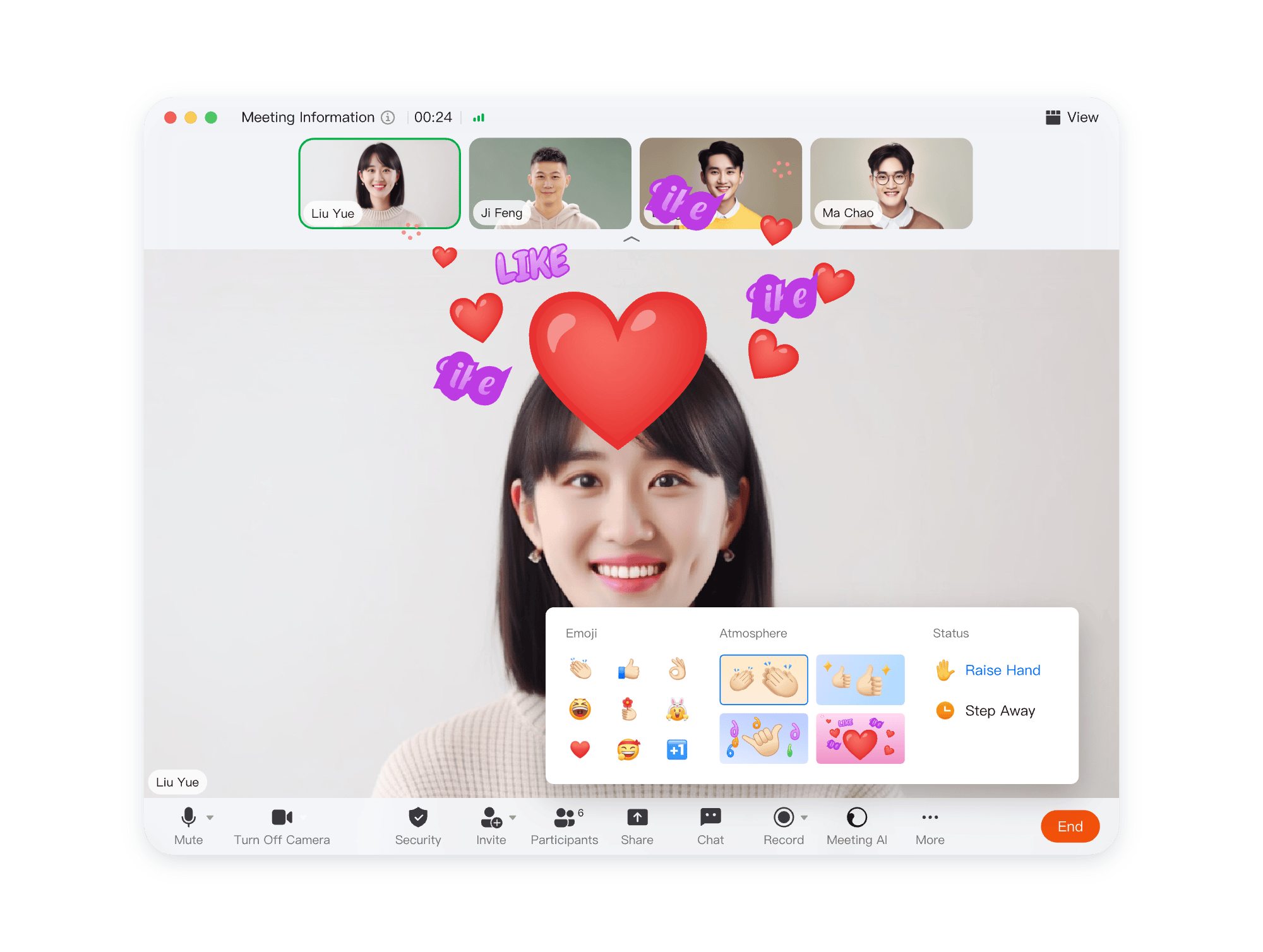
Video conferencing supports multiple interaction methods like chatting, full-screen emojis, status, and atmosphere, easily enlivening the meeting mood and making communication more enjoyable.
Take a group photo with all meeting participants at one click, capturing the meeting moment after countdown, allowing online photo memories.
Support custom meeting backgrounds, maintaining elegance even in messy environments; offer multiple beauty and filter effects for personalized meeting appearance.